No system is 100% reliable. Outages happen to everyone—even industry giants like AWS, Slack, and GitHub.
When an outage occurs, the difference between losing a customer and building a loyal fan comes down to communication.
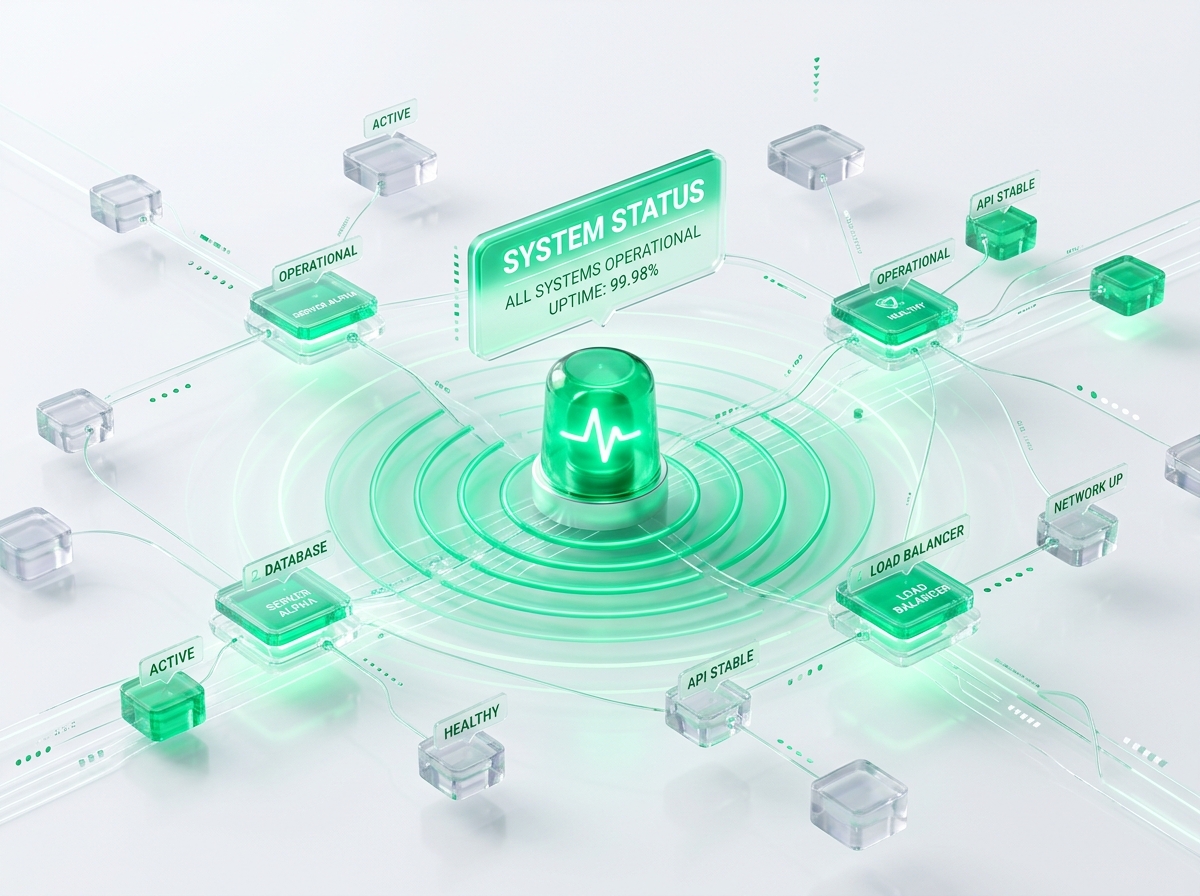
A public status page is the most effective tool for communicating during an incident. Here is why you need one and how to build it correctly.
Why a Status Page is Crucial for SaaS
- Reduces Support Volume: During a major outage, support desks are flooded with duplicate tickets. A clear, easily accessible status page lets users know you are aware of the issue, saving your support team valuable time.
- Builds Trust: Trust is built on transparency. Being honest about system failures shows professionalism and respect for your customers' time.
- Protects Your Main Site: If your main application database crashes, a separate, independent status page ensures you can still communicate with your users.
3 Best Practices for Status Page Design
1. Host it Externally
Never host your status page on the same infrastructure as your main application. If your primary cloud provider goes down, your status page goes down with it. Use a separate DNS provider, host on a different static site platform, and keep dependencies separate.
2. Provide Actionable Updates
Avoid generic statements like "Investigating issues." Instead, provide clear, time-stamped details:
- Identified: "We have identified a memory leak in our API layer and are deploying a fix."
- Monitoring: "The patch has been deployed, and system performance is returning to normal."
- Resolved: "All services are fully operational."
3. Display Historical Uptime
Showing historical uptime over the last 30 or 90 days builds credibility, proving to prospective enterprise clients that your system is highly reliable despite occasional minor blips.