
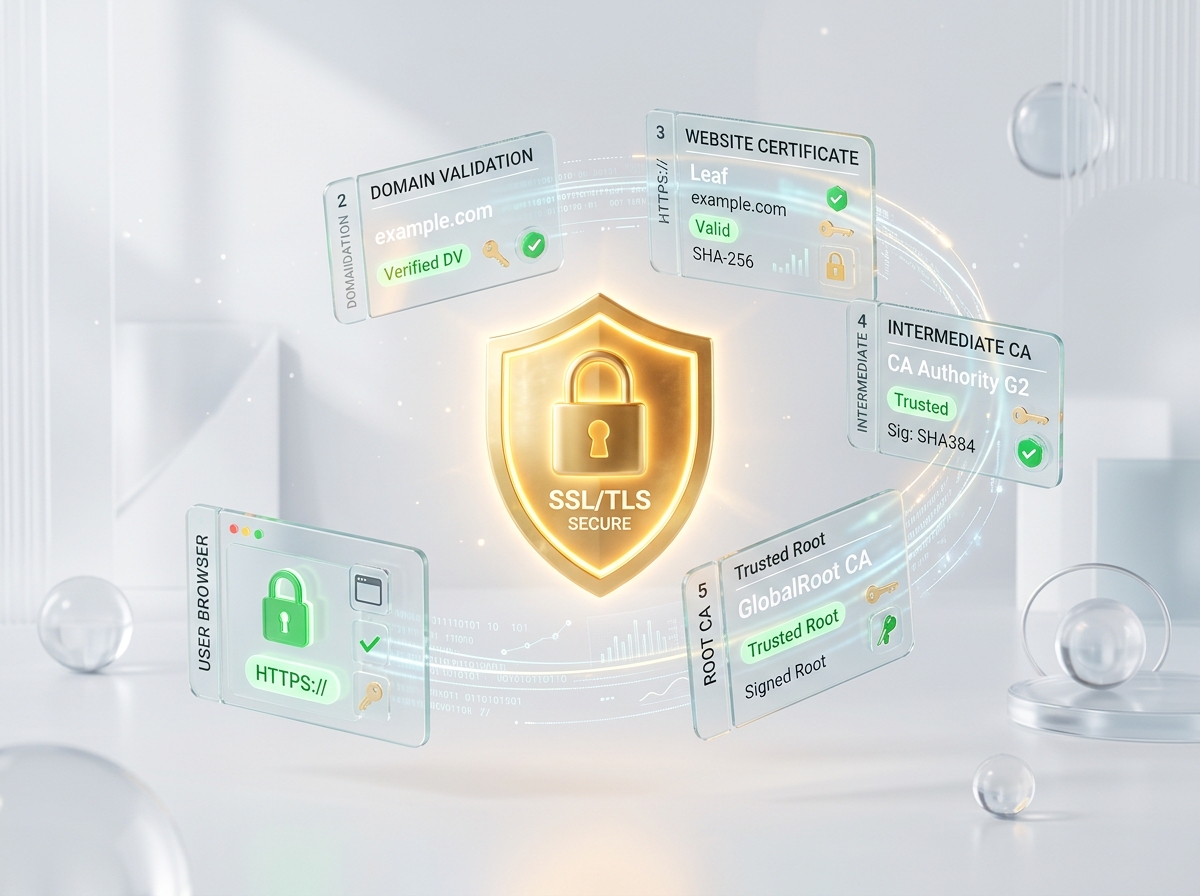
An expired SSL/TLS certificate is one of the most embarrassing infrastructure failures a SaaS company can experience.
When a certificate expires, visitors are greeted with a giant, red warning screen: "Your connection is not private."
This immediately halts user traffic, triggers support ticket spikes, destroys customer trust, and can even harm your search engine rankings.
Here is why certificates expire unexpectedly and how to prevent it.
Why Automated Renewals Fail
Services like Let's Encrypt, Cloudflare, and AWS Certificate Manager have made SSL renewal almost invisible. We configure them once and forget about them.
However, automated renewals fail surprisingly often:
- DNS Verification Mismatches: If you modify DNS records or migrate to a new provider, the automated renewal system might lose the ability to verify domain ownership.
- ACME Protocol API Failure: The certificate authority's validation endpoint could be temporarily down during your renewal window.
- Port 80 Blocks: Let's Encrypt often uses HTTP-01 challenge verification, which requires port 80 to be open. A firewall change blocking port 80 will quietly halt renewals.
How to Set Up Reliable SSL Monitoring
To protect your domains:
- Set Up External Expiry Alerts: Use an external SSL monitoring tool (like Certificate Guardian) to poll your domain's SSL certificate periodically.
- Alert in Advance: Configure alerts to fire 30 days, 14 days, and 7 days before certificate expiration, giving your team plenty of time to resolve DNS or server blockages.
Never assume auto-renewals will work forever. Monitor your TLS certificates externally, and keep your connections secure.